Lightloom · AI video tools
AI video tools
AI video tools on Lightloom, sorted by what you start from. These are the AI video tools that actually run here today: no placeholders for features we do not have.
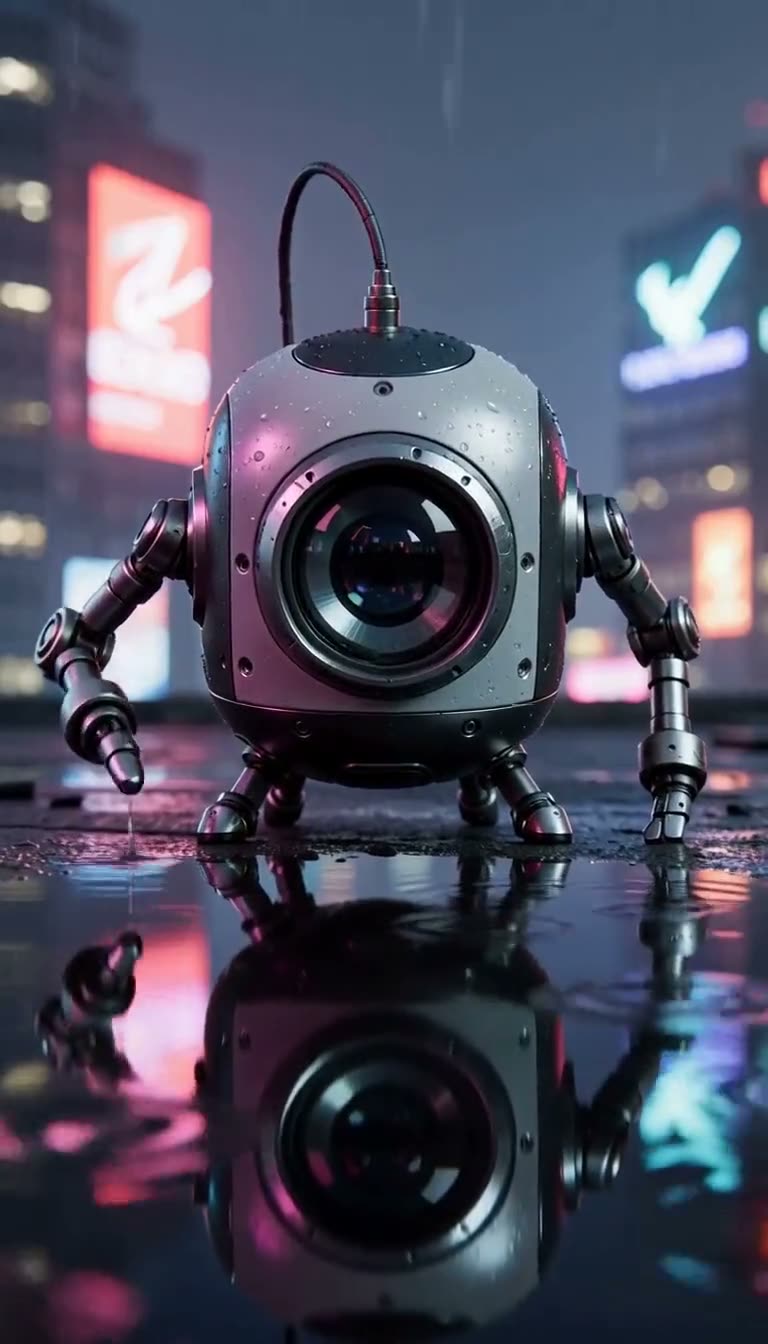
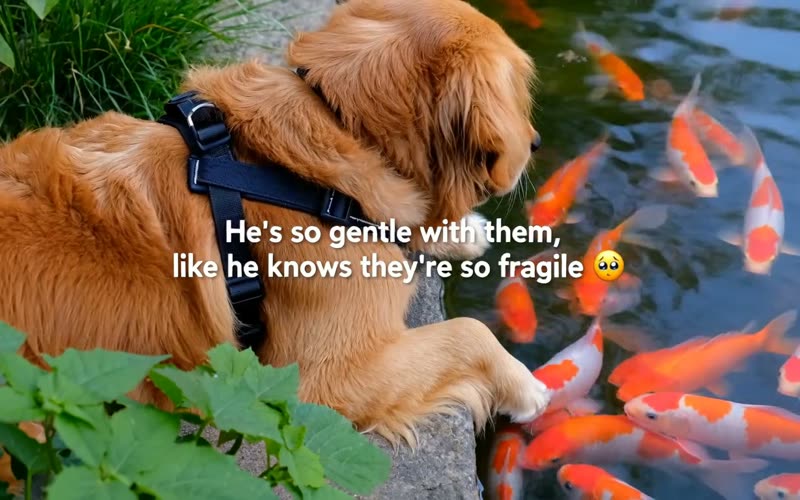


AI video tools for an idea in words
Describe the subject, the action, the camera and the sound. Pick a model per clip.
AI video tools that start from a picture
A still becomes the first frame, or two portraits become the cast of a ready-made story.
 Image to videoUpload a first frame and describe how it should move and sound.3 models · from 800 credits
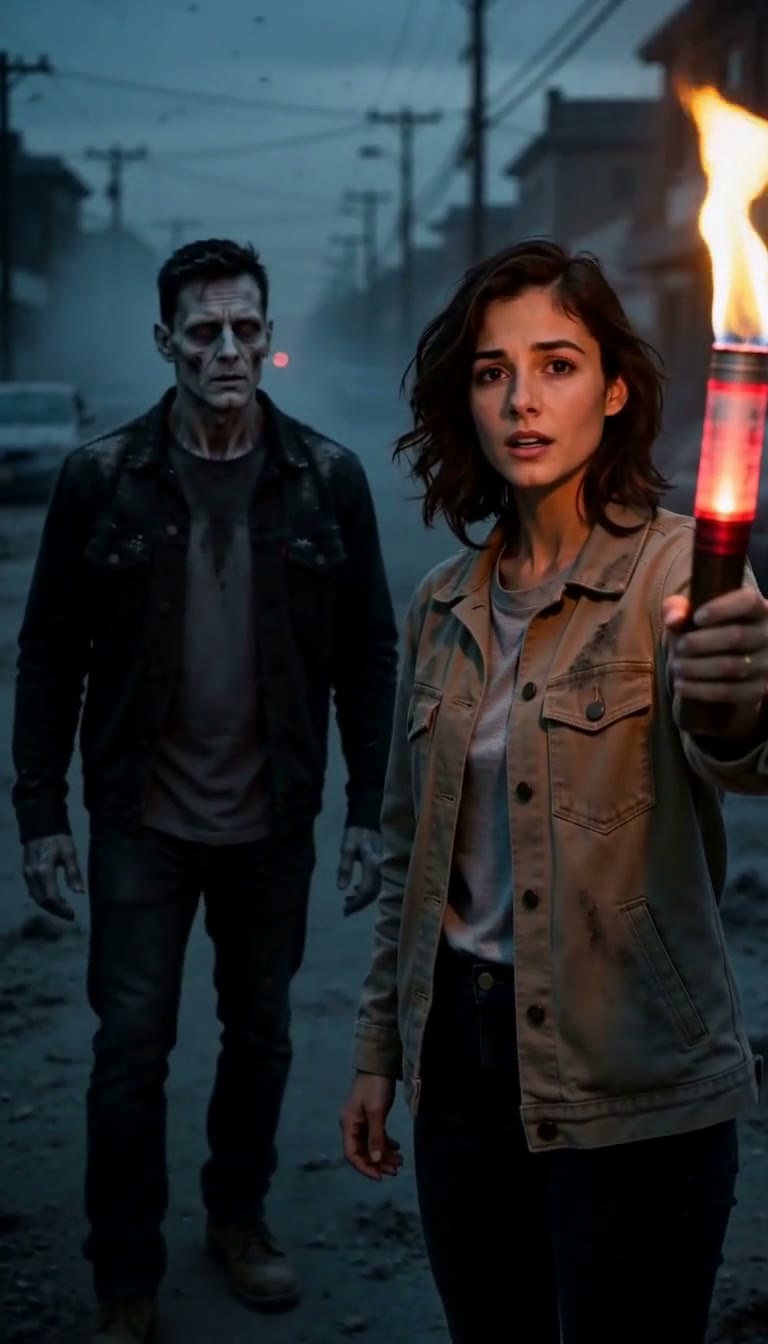 Made hereZombie love storyTwo portraits become a vertical zombie couple drama with its own sound.Template · 15 s · 3,000 credits
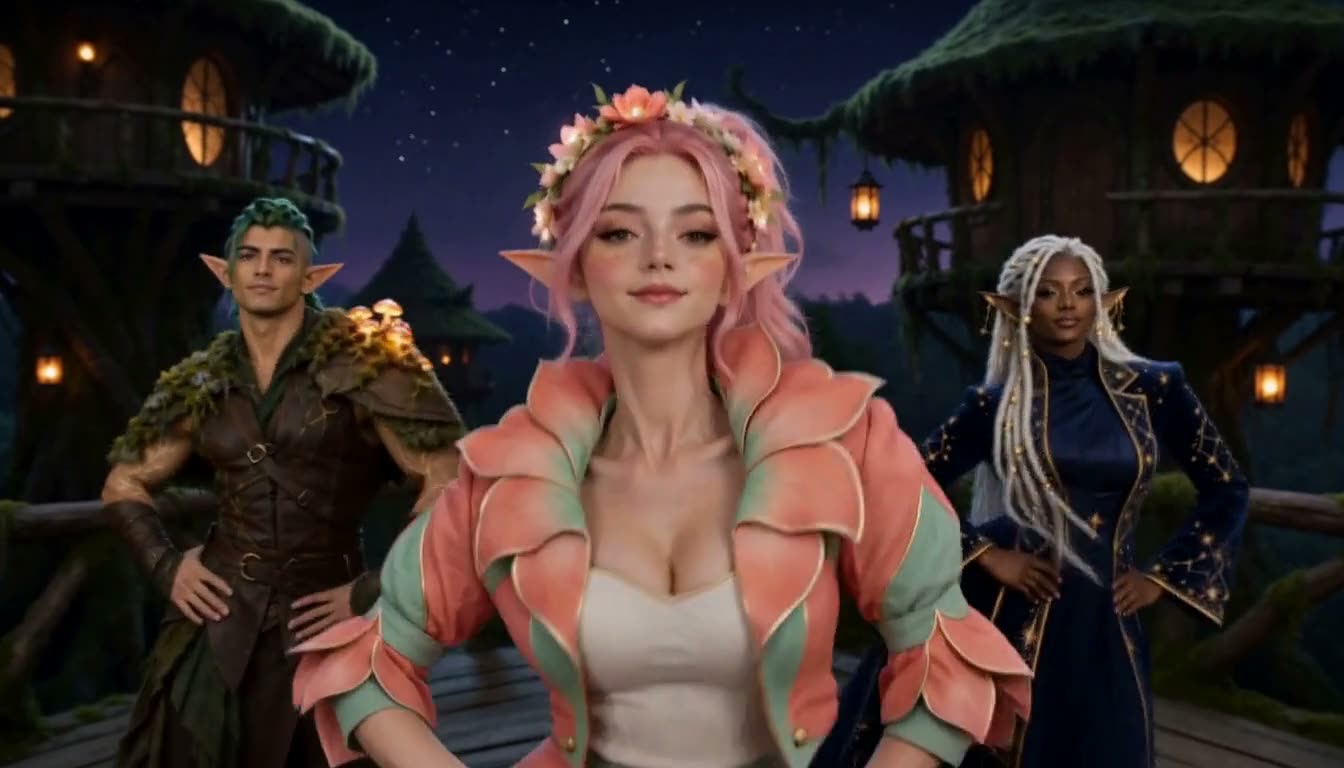 Made hereGangnam selfie danceThree portraits become the snowy-castle selfie dance, each friend taking the lens in turn.Template · 15 s · 3,000 credits
AI video tools for a clip you liked
Turn someone else's shot into an editable prompt, then render your own version.
“From” is the shortest, lowest-resolution clip on the cheapest model that supports the tool. AI video tools on Lightloom charge credits per clip, and some model rates are still provisional. Cards marked Made here show a still from a clip we generated on this site; the others are illustrations. Trend templates build on the same tools: the zombie love story AI page turns two photos into a short drama, and the gangnam style AI video page turns three into a selfie dance.
Which of these AI video tools do you need?
Pick the line that sounds like you. All the AI video tools show their price before anything runs.
The models behind the AI video tools
Text to video and image to video let you choose the model inside the console, so a new model joins the tools you already know. The full comparison lives on the AI video maker page.

One credit balance for all AI video tools
Credits work across all the tools and models. Sign in and every clip you make is kept in your library, ready to download or run again.
AI video tools FAQ
Text to video, image to video, video to prompt, the all-model AI video maker and the zombie love story template. We list only AI video tools that run today.
No. Two of the AI video tools, text to video and image to video, let you choose the model in the console. Video to prompt uses its own reading model.
Yes, when a model can actually power them. We add AI video tools to this page only once they run end to end, so nothing here is a waiting-list placeholder.
You can open all the AI video tools, write a prompt and see the price without one. Generating a clip or reading a video needs an account and credits.
Related pages
- H3 Video GeneratorCreate an H3 video with native audio and exact per-second credit pricing.
- H3 Max explainedA visual, evidence-led guide to the speed claim, quality rankings, real costs, limits and the Infinite Slop connection.
- Infinite Slop explainedWatch the official channel, understand the public queue and see why endless AI television is an airtime product — not one long video.
- AI Video MakerCreate an H3 video from a prompt, with native audio and the exact credit cost shown before submission.
- Text to videoWrite one shot — subject, action, camera, sound — and render it on the model that fits.
- Image to videoStart from a still you already have and make it move — motion, camera and sound from one prompt.
- Video to promptUpload a clip and get the structured prompt that recreates it — camera, cut timing and soundscape included.
- Zombie love storyTwo photos become a 15-second zombie couple drama — the standoff, the embrace and the memory, with sound.
- Gangnam selfie danceThree photos become the trio selfie dance: center, left, right, then a point at the lens, on the beat.
- Video promptsA library of complete prompts — copy one, or load it into the generator in a click.
- BlogEvery article in one place: model explainers, prompt guides and local-setup walkthroughs.
- PricingOne-time credit packs from $9.99 with no subscription or free allowance.