From text
Describe one shot and the AI video maker renders it on MiniMax H3, Veo 3.1 and Veo 3.1 Fast.
Text to video
Write one shot with a subject, an observable action, camera movement and intended audio. Nothing is submitted until you press Generate.

Choose 4–15 seconds, an aspect ratio and 768P or 2K. The form calculates the exact credit reservation before submission.
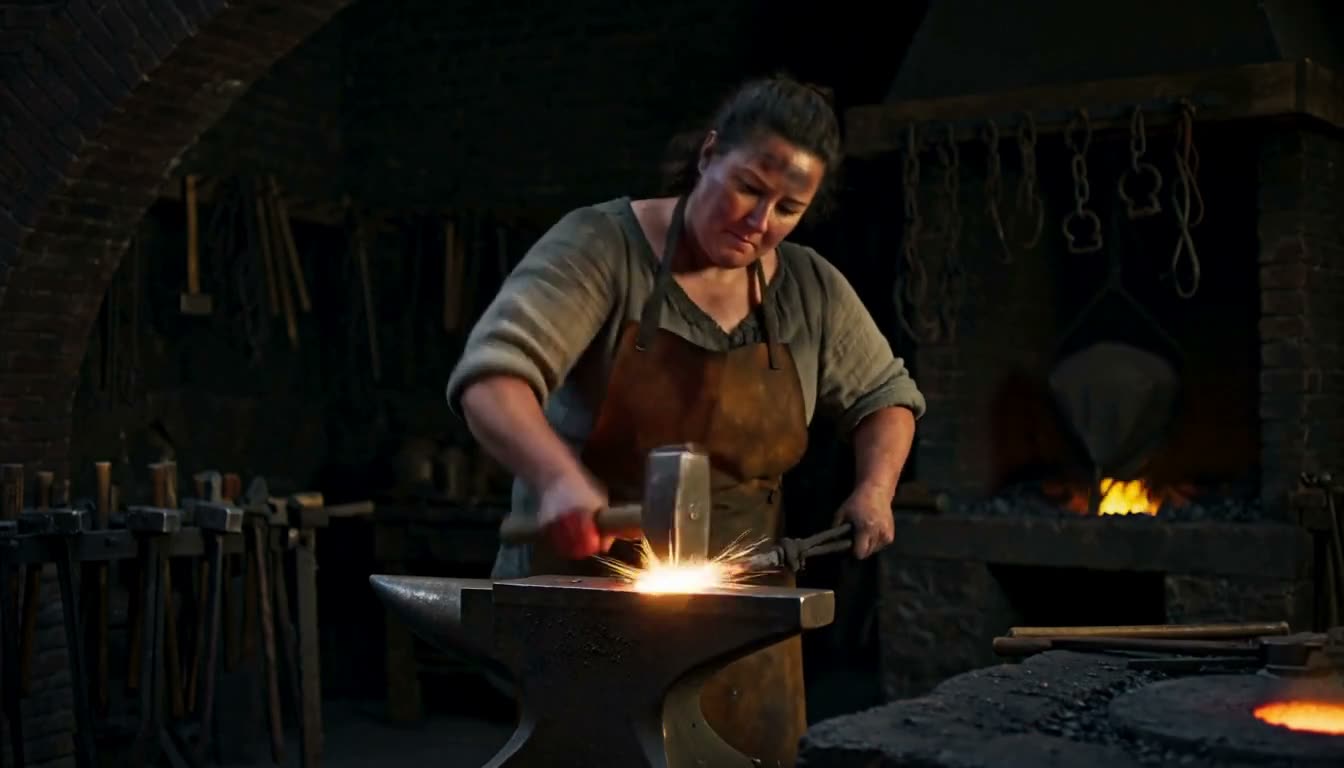
Sign in, purchase credits, submit an allowed prompt, follow the task status and download the completed clip. Failed tasks return their reserved credits automatically.
Every request to the AI video maker renders one continuous shot with sound. These are published limits, not our measurements; the VRAM guide shows where the MiniMax H3 numbers come from. The AI video maker needs no GPU of your own.
The AI video maker keeps one prompt box for all 3 models. Switch the model and the length, resolution and price options follow it.
| Model | Inputs | Length | Resolution | Credits per second |
|---|---|---|---|---|
| MiniMax H3 | Text, Image, References | 4–15s | 768P / 2K | 200 at 768P, 300 at 2K |
| Veo 3.1 | Text, Image | 4s / 6s / 8s | 1080P | 1,100 at 1080P* |
| Veo 3.1 Fast | Text, Image | 4s / 6s / 8s | 1080P | 413 at 1080P* |
* Provisional rate; it may change before the model is generally available.
Describe one shot and the AI video maker renders it on MiniMax H3, Veo 3.1 and Veo 3.1 Fast.
Text to videoUpload a JPEG or PNG up to 4 MB as the opening frame on MiniMax H3, Veo 3.1 and Veo 3.1 Fast. MiniMax H3 also takes a closing frame.
Image to videoGive MiniMax H3 up to 5 reference images of a character, product or place, and the AI video maker builds the shot around them — as in the zombie love story and gangnam selfie dance templates.
Prompt libraryThe AI video maker charges credits, not a subscription. Price follows model, length and resolution, never the prompt, and the Generate button shows it before you submit. Failed tasks refund. Packs start at $9.99 on the pricing page.
* Provisional rate.
Draft the prompt and check the price signed out; the AI video maker asks for an account only at Generate. History then keeps every clip and prompt to download or reuse. New accounts get welcome credits, and a daily check-in adds more.
The AI video maker runs every model on remote hardware: write the prompt in a browser, get an MP4 back. No model files, no GPU memory to manage — just a visible credit charge per clip.
Only MiniMax H3 has a local route on this site: node-level control and quantization, at the cost of serious GPU memory and setup time. The local setup guide lists what it takes.
Get a tested prompt structure, turn footage into text, or browse every video tool on the site.
A browser-based AI video maker that runs MiniMax H3, Veo 3.1 and Veo 3.1 Fast on remote hardware. Write one shot as a prompt, pick a model, length, resolution and aspect ratio, and get back an MP4 with sound already in it. Nothing is generated until you press Generate.
MiniMax H3 for the longest shots (up to 15 seconds), 2K output, reference images or a fixed closing frame. Veo 3.1 for 1080P clips of 4, 6 or 8 seconds. Veo 3.1 Fast has the same settings at a lower rate per second, so use it in the AI video maker to test a prompt before the final render.
The AI video maker bills per second of output, at a rate set by the model: MiniMax H3 200 credits per second at 768P and 300 at 2K; Veo 3.1 1,100 credits per second at 1080P; Veo 3.1 Fast 413 credits per second at 1080P. The shortest MiniMax H3 clip, 4 seconds at 768P, reserves 800 credits; the Veo 3.1 and Veo 3.1 Fast rates are provisional. Packs start at $9.99 for 6,000 credits, and the Generate button shows the exact reservation.
Our production records for 4-second 768P MiniMax H3 clips settle in about 2 minutes, from pressing Generate to a playable file. That comes from a few jobs at one setting; we have not measured enough longer, 2K or Veo clips to publish their times.
Not to explore it: signed out, you can load an example, write the prompt and see the exact cost. The AI video maker asks you to sign in when you press Generate, because generation spends credits. Signing in also unlocks History, where clips and prompts stay ready to reuse.
No. Generating video consumes paid compute, so clips are priced in credits. A new account receives 150 credits, a daily check-in adds 30, and every 7-day streak adds 100 more — 15 straight days of check-ins covers one 4-second 768P MiniMax H3 clip in the AI video maker. Beyond that, credits come in one-time packs with no subscription.
The AI video maker refunds the reserved credits automatically, and the failed job stays in History with its status. Refunds cover our failures and provider errors, not a finished clip you dislike.
Yes. Uploads are JPEG or PNG, up to 4 MB each. Image to video uses your still as the opening frame on MiniMax H3, Veo 3.1 and Veo 3.1 Fast; MiniMax H3 also takes a closing frame. Reference to video on MiniMax H3 takes up to 5 reference images. Have footage instead? Video to prompt turns it into a prompt for the AI video maker.
The AI video maker's options depend on the model. MiniMax H3: 4 to 15 seconds at 768P or 2K, in 21:9, 16:9, 4:3, 1:1, 3:4, 9:16. Veo 3.1: 4, 6 or 8 seconds at 1080P, in 16:9, 9:16. Veo 3.1 Fast: 4, 6 or 8 seconds at 1080P, in 16:9, 9:16. Each generation is one continuous shot; longer pieces are made by joining consecutive clips.
Yes, on every model. MiniMax H3 renders picture and stereo audio in one pass, and every Veo 3.1 and Veo 3.1 Fast request in the AI video maker asks for generated audio. Leaving sound out of the prompt does not give you silence, so describe the sound and music you want.